Blog
Delphi DCM6.2V in VW Group TDI engines: what to check before you touch the File
The Delphi DCM6.2V in VW, Škoda, SEAT and Audi TDI diesels: how to tell it from the Bosch units, P0651 no-starts, reading it safely and what to check.
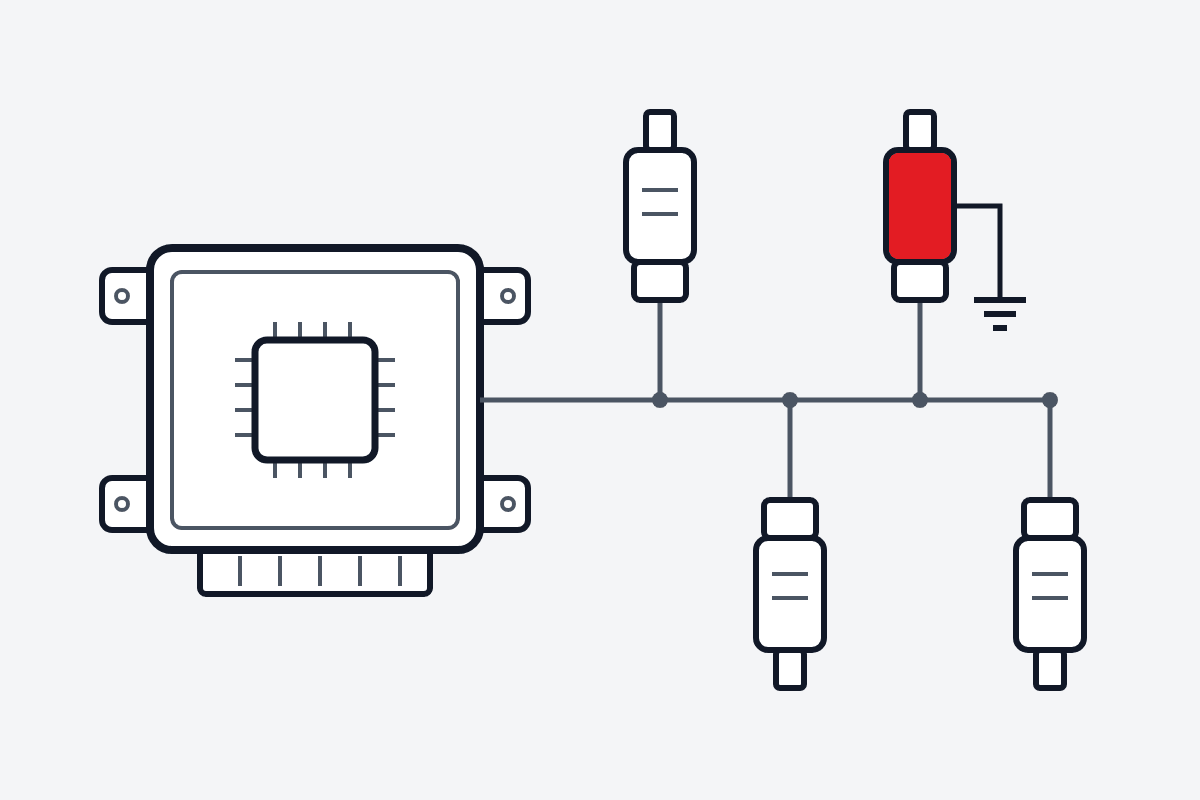
Most tuners think of Volkswagen Group diesels as Bosch territory. For years that was true, which is why the Delphi DCM6.2V catches people out. It sits in the same EA288 TDI engines as the Bosch EDC17C64 and EDC17C74, in the same Golfs, Octavias and Leons, and it is now one of the ten ECUs uploaded to FILHEX most often, by more different Workspaces than almost any other.
This guide is about that unit: how to recognise it before you plan the job, why a no-start with P0651 is often not the ECU's fault, what to know before you read it, and what the Files we see for it are actually asked to do.
Same engine, different control unit
From around 2015, Volkswagen Group began fitting Delphi control units to part of its EA288 diesel range, alongside the Bosch units on the same engines. The DCM6.2V is the Group's version of Delphi's DCM6.2 family, built on an NXP (Freescale) MPC5674F Power Architecture controller, so nothing about reading it carries over from a TriCore-based EDC17.
You meet it on:
- 1.6 TDI (EA288) in the Golf 7, Škoda Octavia 3, SEAT Leon 3 and Audi A3 8V generation, roughly 2015 to 2020, and in other models on the same platform
- 1.4 TDI three-cylinder in some Polo, Fabia, Ibiza and A1 versions
- 2.0 TDI in some versions, depending on model, output and emission level
The changeover was made per model, per engine version and per market, so two cars of the same model and year can carry different ECUs. The model year will not tell you which unit you have. The label will.
- A Delphi unit says Delphi and DCM6.2V on the label. The Volkswagen part number usually reads 04L 907 445 (four-cylinder) or 04B 907 445 (1.4 three-cylinder), followed by a letter.
- The Bosch EA288 units carry their own Bosch label and part numbers. If you have planned a Bosch job, you have planned the wrong one.
- Note that Volkswagen reuses its part number across software versions; the Delphi number on the label is what separates hardware versions.
On FILHEX this matters less than you might think: the free scan identifies the ECU from the binary itself and lists the Solutions available for that software, so a wrong guess costs nothing. It matters a lot at the car, because it decides how you read the unit.
The P0651 no-start: check the sensors first
The fault most often linked to the DCM6.2V is a no-start or a run of warning lights with P0651 stored: sensor reference voltage "B" circuit open. The ECU supplies 5 V to a group of sensors through a shared reference circuit. When that supply drops, every sensor on it reads nonsense at once, and the car may crank without starting.
Rebuild specialists see a real internal failure of the DCM6.2V that sets exactly this code. But a single shorted sensor on the same circuit produces the same picture, and that is far more common than the board work suggests. Cases documented by technicians include a turbo position sensor shorting the 5 V supply to ground, and a DPF differential pressure sensor doing the same: unplug the faulty sensor and the supply returns, P0651 clears and the car starts.
So before you condemn the ECU:
- Read the full fault list and freeze frame, not only the first code. Several sensor codes at once point to the supply, not to the sensors.
- Measure the 5 V reference at a sensor connector with the ignition on.
- Unplug the sensors on that circuit one at a time (boost / MAP, turbo position, DPF pressure, rail pressure on some versions) and watch the reference. When it jumps back to 5 V, you have found the culprit.
- Look at the wiring near the hot side of the engine, especially around the turbo and the DPF, where insulation suffers.
- Only then suspect the ECU. If it really has failed, a replacement is not plug and play: it has to be adapted to the immobiliser and, on newer cars, through the manufacturer's online adaptation.
This matters for anyone working on the File. A car with a failing sensor supply runs badly with any calibration, and a new File written just before the fault shows up will get the blame. Diagnose the supply first, then work on the software.
Before the read: backups and the limits of cloning
Tool support for the DCM6.2V has changed a lot since it appeared, and tool suppliers do not always agree with each other. The broad picture:
- OBD read and write work on many software versions with some tools, usually as a virtual read (the tool reads the calibration and rebuilds the rest). Support depends on the software version in front of you.
- Bench / boot mode is the reliable route for a full read, and the one to choose when the car is already playing up.
- Cloning is limited. Some tools can clone a DCM6.2V in boot mode; others can read and write but not clone, because part of the security data sits in one-time-programmable memory. Do not count on moving one car's data to a second-hand unit unless your tool states it can for that hardware.
Two rules save most of the trouble:
- Check your tool's current support list for the exact hardware and software version before you book the job.
- Make a full backup, flash and data area, and keep the untouched original read. A failed OBD write on this ECU can leave a car that cranks but will not start, and a full original read is the only clean way back.
What brings these cars in
The DCM6.2V sits in high-mileage company cars, family estates and small hatchbacks. The faults follow that use:
- EGR. Carbon in the valve and intake, and EGR cooler problems, are the most common complaint on EA288 engines, often with EGR flow or temperature codes.
- Particulate filter. Short trips and gentle driving load the DPF, and the same driving leaves soot on the turbo's variable vanes. Check the DPF pressure sensor and the exhaust temperature sensors before blaming the filter (and see the P0651 section: a bad DPF pressure sensor can stop the car altogether).
- AdBlue on SCR versions. Not every DCM6.2V car carries SCR; some smaller versions use a NOx storage catalyst instead. Where there is an AdBlue system, pump, heater, tank sensor and NOx sensor faults lead to the usual start countdown. The logic is the same as on the Bosch units, explained in Fixing the AdBlue restart lock on Bosch EDC17.
See Why faults come back after DPF or EGR removal for the follow-up problems workshops meet most often.
What the Files we see ask for
Looking at the DCM6.2V Files processed in FILHEX, the pattern is close to its Bosch neighbours on the same engine:
- EGR is the most requested Solution, on about two in every three Files.
- AdBlue / SCR is on about half of them, which fits the share of SCR versions.
- DPF and Stage 1 follow, each on a little over a third. Stage 1 is noticeably more common here than on small repair-first diesels such as the 1.5 BlueHDi, because a 1.6 or 2.0 TDI Golf or Octavia is also a car people want to drive faster.
- Most jobs combine two or more Solutions on one File, with smaller numbers for Exhaust Flap Removal, Start & Stop Disable and Vmax Removal.
On FILHEX this has a practical effect: every Solution on one File costs 1 Credit, so an EGR + AdBlue + DPF job, or Stage 1 with EGR, costs the same as a single Solution. Scan is free and shows which Solutions are available for your software version before you spend anything.
If the scan says the unit is a Bosch EDC17C74 after all, our guide to the Bosch EDC17C74 in later EA288 TDI engines covers that one.
A checklist for a DCM6.2V job
- Read the label. Delphi and DCM6.2V, Volkswagen number 04L 907 445 or 04B 907 445, and note the Delphi number.
- Diagnose the car first. Sensor supply and P0651, EGR, DPF sensors, AdBlue circuit, boost leaks. Software does not fix a shorted sensor.
- Check your tool's support for the hardware and software version, and choose OBD or bench accordingly.
- Make a full backup of flash and data memory and keep the untouched original read.
- Upload the original File in the FILHEX Windows app and run File scan. It identifies Brand and ECU from the binary and lists the Solutions available for that software version, without spending a Credit.
- Pick the Solutions (for example EGR Removal, AdBlue / SCR Removal and DPF Removal, or Stage 1 with EGR) and process: 1 Credit when the Solution Job completes. If a Solution Job fails, its Credit returns to your wallet automatically.
- Write the result File, reset adaptations where the platform needs it, and clear faults. DTC Clear is free on a completed result File, up to three times.
- Road-test and log. Check that no new codes appear after a few drive cycles and a full ignition-off sleep.
Legal and use context
Disabling emissions equipment on vehicles used on public roads is restricted or illegal in many jurisdictions, including most European countries. Treat EGR, DPF and AdBlue / SCR Removal as professional Solutions for cases where local law and the vehicle's use allow it, and keep hardware, diagnostics and roadworthiness decisions with the workshop.
New to FILHEX? Install the Windows app and create a Workspace to get 3 free Credits for your first Files.
Continue: DCM6.2V on Volkswagen · DCM6.2V on Škoda · DCM6.2V on SEAT · EGR Removal · AdBlue / SCR Removal · DPF Removal · Stage 1 · Pricing
Continue: Delphi DCM6.2V Solutions · all posts