Blog
Fixing the “AdBlue / SCR restart in XXX km” lock on Bosch EDC17
AdBlue countdown still on the dash after a remap? Why DTC-only patches do not clear the SCR start lock on Bosch EDC17, and the workshop order that does.
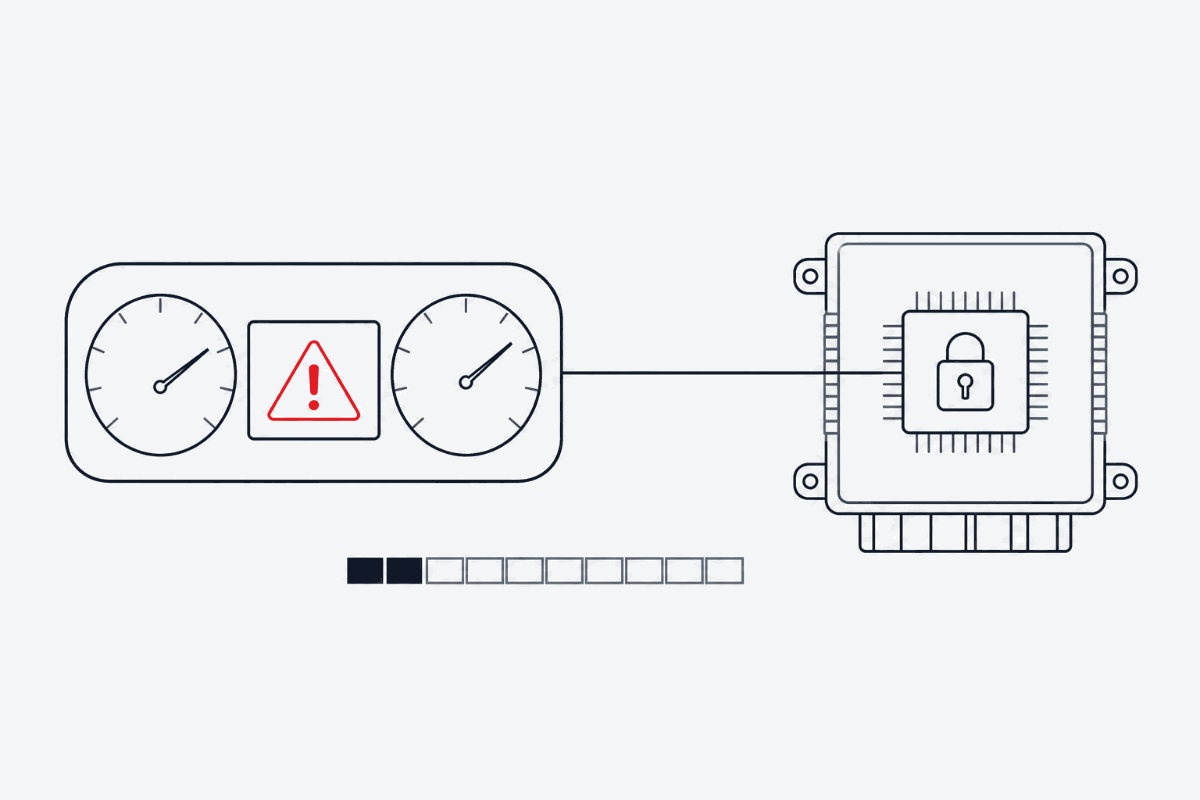
If you run a tuning or diagnostics bay, this scenario is familiar:
A car arrives with an active SCR / AdBlue warning — “No start in 800 km”. You read the ECU with your flasher, run the dump through a generic forum utility, write it back, clear the fault codes. The scan tool looks clean. Then the cluster wakes up and still shows “Engine start impossible in 750 km”, and the counter keeps dropping.
Here is why that happens on Bosch EDC17 families, which step the standard flash procedure misses, and how to clear the lockout without leaving a control unit in a bad state.
The root cause: DTC clearing is not status clearing
Many automated patches shared on peer-to-peer forums do one thing: wipe the DTC table (zeroing P20EE, P204F, P207F and friends). That blinds the scan tool. It does not change what the ECU believes about the aftertreatment system.
- The strategy still runs. If the SCR coordination logic is untouched in the calibration, the ECU keeps evaluating dosing and system quality.
- The countdown does not live in program flash. The start-lock counter and inducement status are held in non-volatile EEPROM / data flash. Rewrite the flash area only, without resetting that status, and the microcontroller keeps enforcing the non-start condition even when no MIL is lit.
So the dash countdown surviving a “successful” flash is not a mystery — you cleared the symptom store, not the inducement state.
The golden rule: reset SCR counters before you flash
The most common mistake on the hoist is writing the modified calibration while the vehicle is already in inducement or lockout.
- Start from a known state. Keep the original read; make sure the ECU responds normally on the bench or in car.
- Go to adaptations with a diagnostic tool. Manufacturer-level or capable aftermarket tools expose the relevant basic settings / adaptation routines.
- Run the SCR reset routines — start-enable / lock reset, catalyst adaptation, reductant fill-level adaptation, depending on the platform.
- Verify on the cluster. Ignition off, wait for bus sleep (typically 60–120 seconds), ignition on, and confirm the remaining-kilometre message is gone.
- Only then write the processed File. Baseline first, calibration second.
Doing it in this order means the inducement status is already cleared when the new calibration takes over, so nothing re-arms the counter.
If the vehicle is already at 0 km and will not start
Once a car has hit the hard anti-restart condition, adaptation access is often refused, and there is no shortcut through the scan tool.
- Do not blank maps by hand in a hex editor. That is how calibration checksums break, and how you end up with internal control unit memory faults (P0606) on top of the original problem.
- The File itself has to change the configuration, not the fault memory. A correct calibration reconfigures the SCR system in the powertrain software so the inducement query is no longer part of the running strategy — rather than masking codes after the fact.
- Checksums and signatures must be handled. EDC17 variants (CP14, CP20, C64 among them) need valid checksum correction, and signed variants need the signature handled correctly, or the write will be rejected or the unit will fault after the first cycle.
Stop gambling with anonymous forum patches
Bay time is the expensive part of this job. Unknown-origin patchers, mystery archives and tools that demand odd activation steps cost more than they save:
- Silent flash corruption you only discover after the write.
- Antivirus quarantining a component mid-write on a bench job.
- Four hours of debugging caused by an incomplete script that was never meant for your software version.
FILHEX is the other end of that spectrum:
- Installed from the Microsoft Store — signed, clean install, no dongles or workarounds.
- No subscription. You do not need a monthly contract to handle the occasional AdBlue job; 1 Credit = 1 processed File, and packs do not expire.
- Check before you pay. Upload and scan are free, so you see whether the Solution applies to your File before you spend a Credit. If a Solution Job fails, its Credit returns to your wallet automatically.
FILHEX workflow for an AdBlue job
- Read the ECU and keep the untouched original File.
- Upload it in the Windows app and run File scan — scan spends no Credits.
- Confirm Brand and ECU, then select AdBlue / SCR Removal (alone or with other Solutions on the same Solution Job).
- Process — 1 Credit when the Solution Job completes.
- Clear the SCR lock with your diagnostic tool, write the result File, and verify faults and drivability.
If the catalog lists a Solution but scan does not show it for your dump, trust the scan: it reads the actual software version in front of you.
Legal and use context
Disabling emissions equipment on vehicles used on public roads is restricted or illegal in many jurisdictions. Treat AdBlue / SCR Removal as a professional Solution for cases where local law and the customer’s use of the vehicle allow it, and keep the hardware, diagnostics and roadworthiness decisions with the workshop.
New to FILHEX? Install from the Microsoft Store and create a Workspace to get 5 free Credits for your first Files.
Continue: AdBlue / SCR Removal hub · How File scan confirms Solutions · What is an ECU File? · Pricing
Continue: AdBlue / SCR Removal Solution · all posts