Blog
Solving VAG Simos PCR2.1 flash issues: unlock errors, P160A, and failed DPF/EGR Off
Simos PCR2.1 unlock errors, P160A faults, or regeneration smoke after a DPF delete? How workshops patch and calibrate PCR2.1 ECUs correctly.
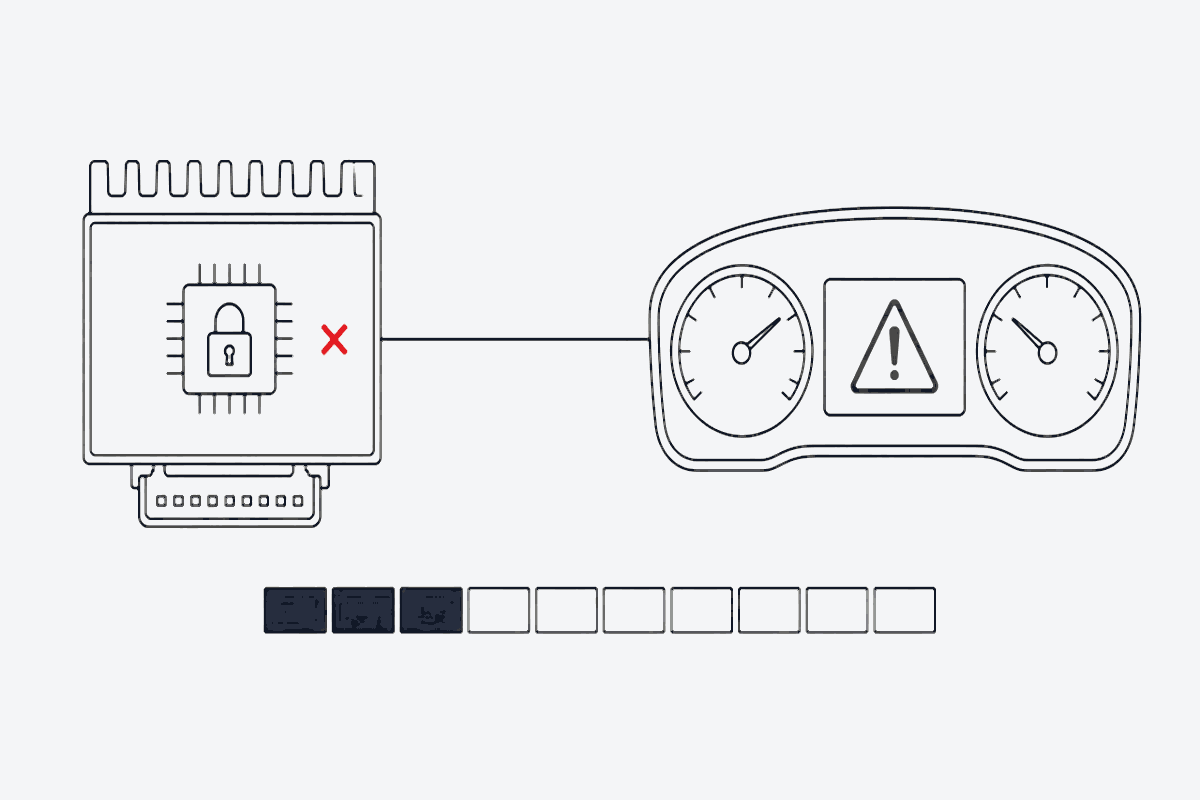
The Continental/Siemens Simos PCR2.1 control unit (commonly found in 1.6 TDI VAG vehicles such as the Golf Mk6, Polo 6R, Seat Ibiza, and Audi A1) is widely known across tuning workshops as one of the trickier ECUs to modify correctly.
Technicians frequently see the same pattern after writing a modified File:
- The car cranks but refuses to start.
- The ECU triggers a permanent P160A (Control Module Internal Checksum Error).
- DPF/EGR was reportedly disabled, yet the car enters limp mode or starts a high-temperature regeneration cycle, pouring white smoke out of the exhaust.
Here is why PCR2.1 calibrations fail, how to avoid common unlock traps, and the workshop order that keeps writes stable.
The real reason behind P160A: checksum vs unlock conflict
The PCR2.1 needs an initial unlock procedure (patching the external EEPROM, or an automatic bench/boot patch via your flasher) before calibration changes can be written over OBD.
When a technician hits P160A:
- Manual or incomplete patching. The EEPROM patch bytes were only partly written, or the tool recalculated checksums but left the signature (RSA) area unpatched.
- Corrupted flash checksum. Many automated generic scripts wipe tables without aligning the secondary checksum blocks inside the TriCore flash area.
What to do:
- Keep the original EEPROM backup intact.
- If you use a bench tool (KESS3, Autotuner, Flex, CMD, and similar), confirm the tool reports ECU unlocked before writing modified flash data.
- If P160A persists, flash the stock binary back via OBD, re-lock the unit, and re-apply a verified unlock patch.
DPF and EGR delete: why blind DTC deletes restart regeneration
One of the most persistent PCR2.1 failures is clearing diagnostic trouble codes while leaving the regeneration loop running in the background.
If the calibrator only zeros out P2463 or P2458 without switching off particulate filter management:
- The ECU keeps tracking calculated soot. Even with sensor codes suppressed, the internal soot model still reaches its threshold (a calibrated soot threshold).
- Post-injection stays active. The engine uses post-injection to raise exhaust gas temperature, which shows up as white/grey smoke, rising oil level (fuel dilution of the oil), and accelerated engine wear.
A valid PCR2.1 DPF Removal / EGR Removal File must address the functional switches, not only the fault memory:
- Deactivate the particulate filter model switch entirely.
- Nullify differential pressure sensor monitoring without rewriting unrelated injection maps.
- Close EGR valve duty-cycle tables cleanly so EGR faults do not re-arm limp mode.
In FILHEX those Solutions are DPF Removal and EGR Removal. Search language still uses “DPF off / delete” and “EGR off / delete”; the Solution Job UI uses the glossary names.
Step-by-step PCR2.1 workshop best practices
Before writing any calibration back to a PCR2.1:
- Always read both micro and EEPROM. Never skip backing up the external EEPROM.
- Stable voltage supply. The PCR2.1 microcontroller is voltage-sensitive during flash erase. Keep a stabilized workshop supply at 13.5 V–14.2 V.
- Clear soot values before the final write. If the car arrived with a clogged DPF, run a diagnostic adaptation to reset DPF particle / soot load values to zero before writing the final DPF Removal File.
Stop gambling with anonymous forum patches
Chasing forum threads for patched binaries, or testing untrusted modifications on workshop vehicles, wastes bay time and risks bricking control units:
- Incomplete unlock patches that surface as P160A only after the write.
- DTC-only scripts that leave regen and soot models running.
- Mystery archives and tools that trip antivirus mid-write on the bench.
FILHEX is built for the other end of that spectrum:
- Installed from the Microsoft Store — signed software, no dongles or suspicious downloads.
- No subscription. 1 Credit = 1 processed File; packs do not expire.
- Check before you pay. Upload and scan are free, so you see whether the Solution applies to your File before you spend a Credit. If a Solution Job fails, its Credit returns to your wallet automatically.
FILHEX workflow for a PCR2.1 DPF/EGR job
- Read the ECU (micro + EEPROM) and keep the untouched original File.
- Upload it in the Windows app and run File scan — scan spends no Credits.
- Confirm Brand and ECU, then select DPF Removal and/or EGR Removal (alone or with other Solutions on the same Solution Job).
- Process — 1 Credit when the Solution Job completes.
- Unlock / confirm unlock status with your flasher, clear soot adaptations when needed, write the result File, and verify faults and drivability.
If the catalog lists a Solution but scan does not show it for your dump, trust the scan: it reads the actual software version in front of you.
Legal and use context
Disabling emissions equipment on vehicles used on public roads is restricted or illegal in many jurisdictions. Treat DPF Removal and EGR Removal as professional Solutions for cases where local law and the vehicle’s intended use allow it. Mechanical work, diagnostics, and roadworthiness stay with the workshop.
New to FILHEX? Install from the Microsoft Store and create a Workspace to get 5 free Credits for your first Files.
Continue: DPF Removal hub · EGR Removal hub · How File scan confirms Solutions · What is an ECU File? · Pricing
Continue: DPF Removal Solution · all posts