Blog
How File scan confirms Solutions
Catalog hubs show published coverage. File scan validates Brand, ECU, and Solutions for the binary you actually uploaded. Why workshops must trust scan.
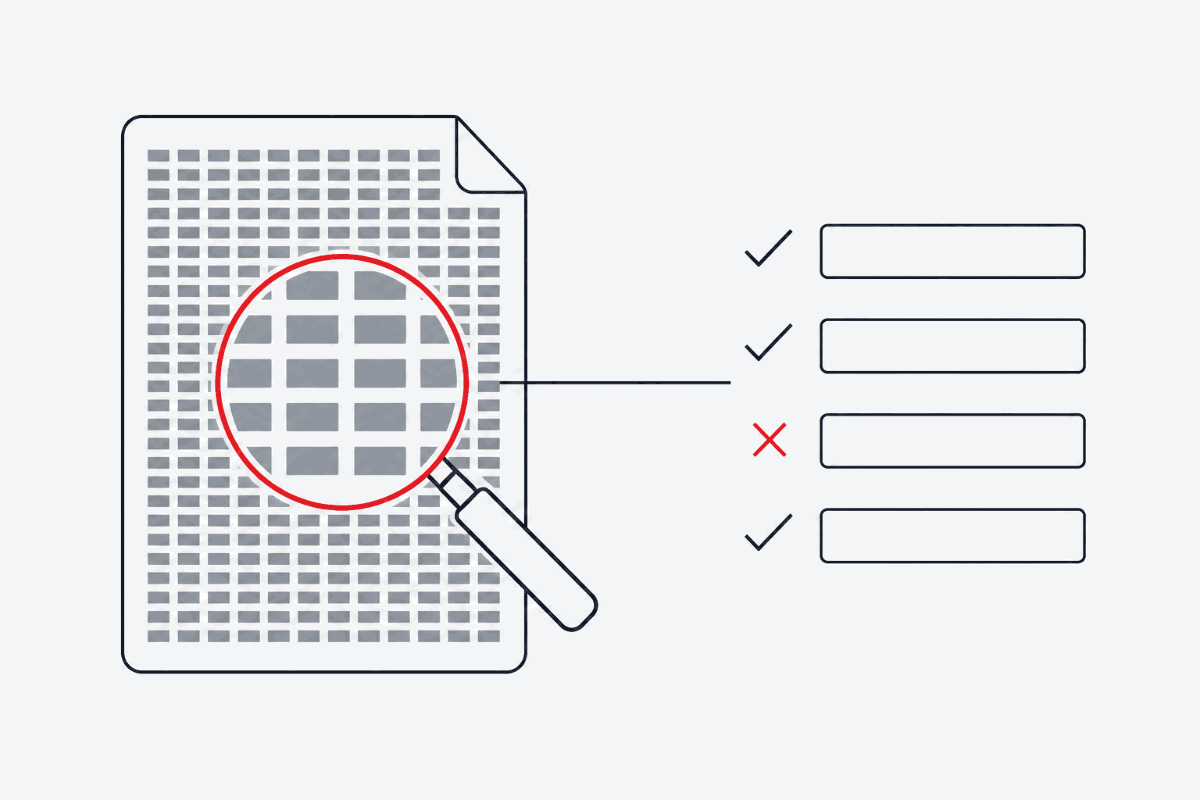
Tuning portals and marketing sites publish coverage lists: Brands, ECU families, and Solutions that appear in a catalog snapshot. Those pages answer a discovery question — “Does FILHEX generally offer DPF Removal / Stage 1 / … for this Brand?”
They do not answer the only question that matters on the hoist: “Does this original File — this software version, this dump — support those Solutions right now?”
That second answer is File scan.
Why the snapshot is not enough
ECU binaries differ by:
- Hardware and software version (same model year can ship multiple SW IDs)
- Read method and tool envelope (plain binary vs wrapped slave formats)
- Prior flashes, incomplete reads, or corrupted regions
- Options already present or masked in the calibration
A catalog page can truthfully say a Brand×Solution pair exists in coverage while your File fails a checksum, lacks expected maps, or belongs to a SW branch the processor does not support yet. Treating the hub as a guarantee is how workshops waste bay time.
Snapshot vs scan
- Catalog hubs (
/brands,/solutions, brand×Solution, ECU pages) — published coverage for browsing. Synced from FILHEX’s catalog snapshot. - App File scan — analyses the uploaded File, resolves Brand / ECU where possible, and lists Solutions that apply to that dump. Scan spends no Credits.
If a hub lists a Solution but scan does not show it for your File, trust the scan.
Desk procedure that works
- Optionally browse catalog or a Solution hub to set expectations.
- Read the ECU; keep the untouched original.
- Upload to FILHEX and run scan.
- Confirm Brand and ECU (detect or correct).
- Select only Solutions scan lists — combine on one Solution Job when appropriate.
- Process (1 Credit when complete); download; write; verify.
Credits reminder
Scan is free of Credits. You pay when processing finishes — not when you explore coverage.
Continue: What is an ECU File? · How it works · DPF Removal · Pricing
Continue: How it works · all posts