Blog
What is an ECU File?
An ECU File is a binary dump of flash calibration data. How workshops read it, what is inside a .bin, and how FILHEX turns originals into result Files.
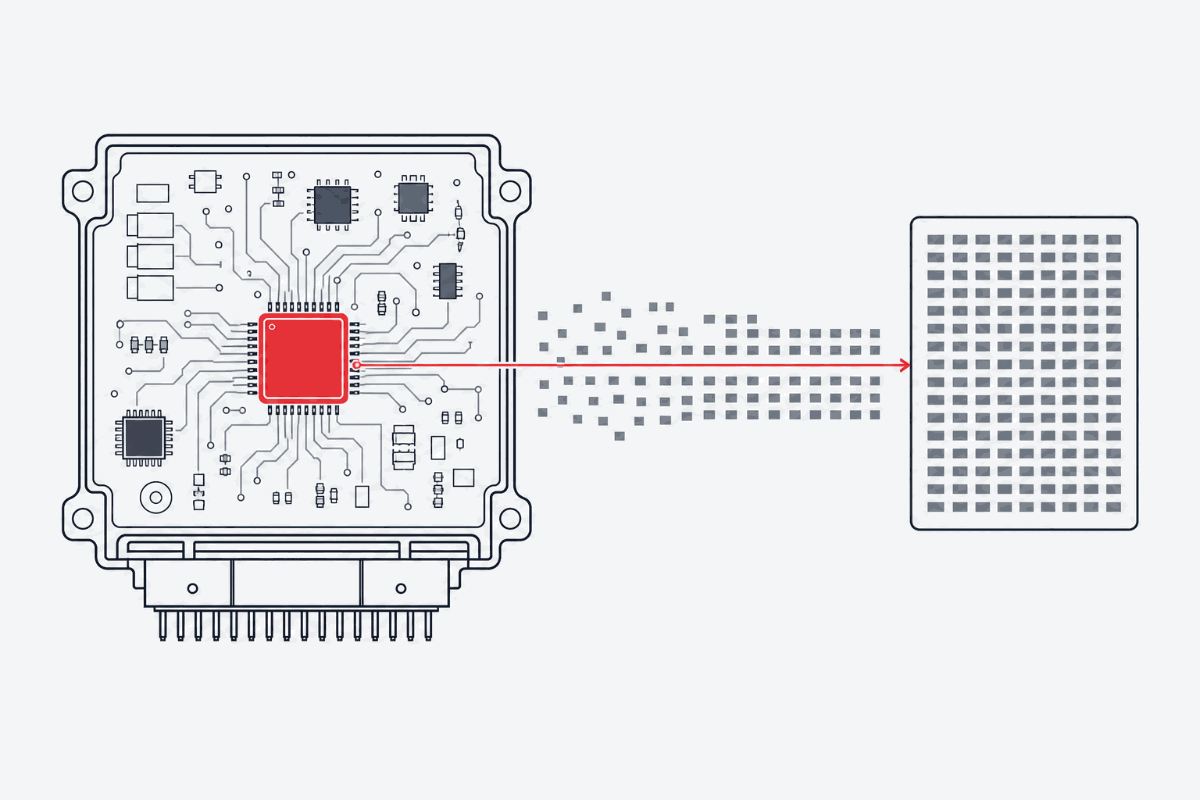
When a workshop “reads” a vehicle, the tool does not pull a readable report. It pulls a binary image of flash memory — typically saved as .bin, .ori, or a vendor-wrapped package. That image is what the industry calls an ECU File.
In FILHEX product language the same object is simply a File: the original dump you upload, or the processed result you download.
What is inside the binary
A modern diesel or petrol ECU dump is often several megabytes of raw bytes. Inside that single File you will find, among other regions:
- Calibration maps — fuel, ignition, boost, torque limiters, and related tables the engine management uses in real time
- Axes and breakpoints — RPM, load, temperature points that index those maps
- Diagnostic and strategy logic — including emissions-related monitors on recent vehicles
- Checksums — integrity blocks that must stay consistent after any change
Map editors treat these as named tables. On disk they are still one binary. The file extension is only a label; what matters is the memory layout and how your read/write tool and the processor interpret it.
How workshops obtain a File
Professionals use dedicated read/write hardware (OBD, bench, or boot methods depending on the ECU). Typical flow:
- Read the ECU and keep a backup of the untouched original.
- Send or upload that original File to a file service (or edit it in-house).
- Receive a modified File.
- Write it back with the same tool family and method used for the read.
FILHEX sits in the middle of that chain for workshops that buy processed Files instead of developing every map themselves: upload → select Solutions → download the result File. Flash tools stay on your bench; FILHEX does not replace them.
Slave wrappers vs plain binaries
Some tools wrap the dump in a proprietary envelope before it leaves the workshop. Others deliver a plain binary. A serious file workflow must accept the formats your fleet of tools actually produces; File scan tells you whether FILHEX accepts yours. After processing, you flash the result with the matching write path.
Exact Brand and ECU support in FILHEX is confirmed after you upload and scan the File — not by guessing from a marketing list alone.
Glossary
- ECU dump / .bin / remap file → FILHEX File
- Stage 1, DPF off, EGR off, … → FILHEX Solution
- One dump + selected mods → one tuned file → Solution Job
- Pay per processed file → Credit (1 Credit = 1 processed File)
Continue: How File scan confirms Solutions · ECU tuning files · How it works · Catalog
Continue: ECU tuning files · all posts